
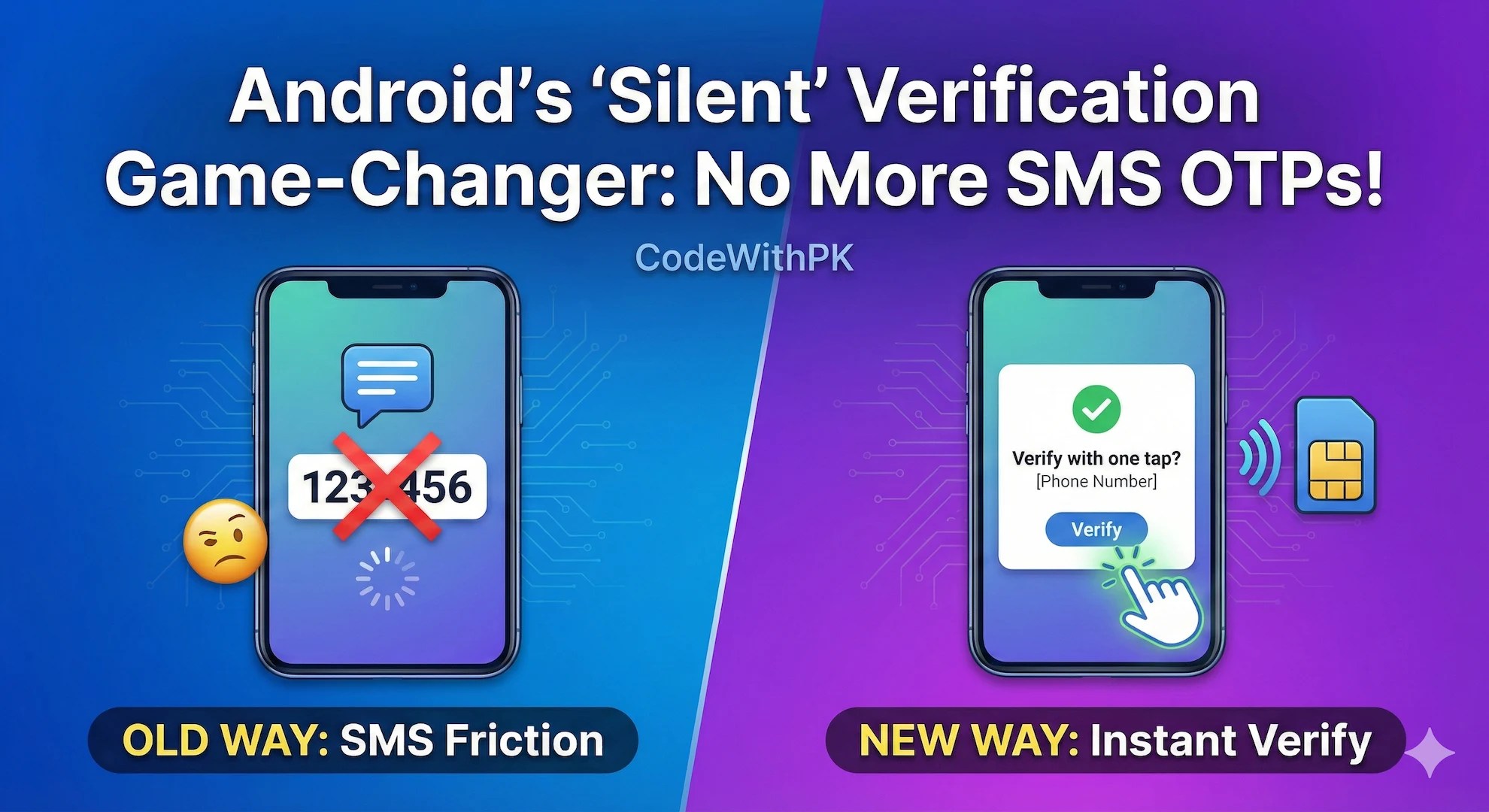
Let’s be honest—phone number verification is one of the most painful parts of Android app development.
As developers, we deal with:
-
SMS gateways and delivery failures
-
Retry logic and timeout handling
-
Users complaining: “OTP not received”
And from a user’s perspective, it’s even worse:
-
Leave your app
-
Open Messages
-
Copy a 6-digit code
-
Switch back
-
Paste it correctly
Each extra step increases friction. Multiple studies show that 20–30% of users drop off during SMS-based OTP verification.
Now imagine this instead:
👉 The user taps “Continue”
👉 A system dialog appears with their phone number
👉 One tap, and verification is done
No SMS. No waiting. No typing.
This is not experimental tech. It’s already available on Android—and it’s a massive conversion booster.
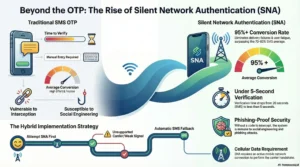
What Is Silent (One-Tap) Phone Verification?
Silent phone verification relies on the SIM card already present in the device, instead of sending a code via SMS.
Android, through Google Play Services, can securely retrieve or verify the phone number associated with the SIM—with explicit user consent.
In practice, this appears as:
-
A system bottom sheet
-
Showing one or more phone numbers from installed SIMs
-
The user taps once to confirm
That’s it. Your app gets the verified number.
Why This Is a Game-Changer for Android Apps
Replacing SMS OTP with silent verification has direct business and UX impact:
1. Dramatically Higher Conversion Rates
Removing app switching and manual input eliminates the biggest onboarding bottleneck.
Apps adopting one-tap verification often see signup completion jump from ~75% to 95%+.
2. Instant Verification
SMS delivery depends on carriers, regions, and congestion.
Silent verification completes in seconds.
3. Better Security
SMS OTP is vulnerable to:
-
Phishing pages
-
SIM swap attacks
-
Social engineering
Silent verification happens on-device or via carrier-level confirmation, making it far harder to exploit.
4. Modern UX
From the user’s point of view, it feels seamless and premium.
No thinking. No effort. Just confirmation.
How Silent Phone Verification Works on Android
There are two major implementations you should understand.
1️⃣ Phone Number Hint API (Google Identity Services)
This is the most widely used and easiest approach.
Flow:
-
Your app requests a phone number hint
-
Android shows a system dialog with available SIM numbers
-
The user selects one
-
Your app instantly receives the phone number
This removes manual typing entirely.
For most apps, this is more than sufficient.
2️⃣ Silent Network Authentication (SNA)
Used by providers like Twilio, TruID, and some telco-backed SDKs.
Flow:
-
User taps “Verify”
-
SDK sends a lightweight request over mobile data (not Wi-Fi)
-
Carrier confirms the SIM and phone number
-
Backend receives instant verification
This method offers carrier-grade assurance, often used in fintech or high-security apps.
Implementing Phone Number Hint on Android (Step-by-Step)
Below is a practical implementation using Google Identity Services.
Prerequisite
Google Play Services must be available on the device.
Step 1: Add Dependency
Step 2: Register Activity Result Handler
Step 3: Trigger the Phone Number Hint
Call this when your login or signup screen appears.
Always Implement a Fallback (Critical)
Silent verification is powerful—but not guaranteed.
It can fail when:
-
Device has no SIM
-
Tablet or Wi-Fi–only device
-
No mobile signal
-
User dismisses the dialog
Best Practice: Hybrid Flow
-
Attempt silent / one-tap verification first
-
If it fails → immediately show manual number entry + SMS OTP
This gives you maximum coverage with minimal friction.
Final Thoughts
SMS OTP is no longer the best default for Android authentication.
Silent phone verification:
-
Reduces signup friction
-
Improves security
-
Boosts conversion rates
-
Delivers a modern UX users expect
If your app still starts with “Enter phone number → Wait for OTP”, you’re leaving users—and revenue—on the table.
The future of Android authentication is one tap.
And it’s already here.
Made with ❤️ by codewithpk.com
Keep building. Keep learning. Keep shipping.
#AndroidDevelopment, #AndroidDev, #MobileDevelopment, #AndroidSecurity, #SilentAuthentication, #PhoneVerification, #OTP, #SMSOTP, #OneTapLogin, #UserExperience, #UXDesign, #AppSecurity, #GooglePlayServices, #AndroidTips, #DevBlog, #CodeWithPK